
Confluence#
Guidestar demos can be embedded in Confluence pages in two ways: as animated GIFs (works everywhere, no JavaScript required) or as interactive HTML pages embedded via iframe (works on platforms that permit JavaScript in iframes, such as when using the Bobswift HTML macro).
Note
Confluence’s built-in iframe macro uses sandbox="sandbox" which blocks
all JavaScript execution. For this reason, interactive HTML embeds do not
work via Confluence’s native iframe macro. The options described below
work around this limitation.
Embed Interactive Demo from GitHub Pages#
For teams that want live interactive demos in Confluence, the recommended
approach is to host the self-contained demo HTML on GitHub Pages and then
embed those pages using the Bobswift HTML macro (or any other
Confluence macro that renders iframes without the sandbox restriction).
Setting up GitHub Pages#
The Deploy Demos to GitHub Pages reusable workflow builds self-contained HTML pages from your demo configs and deploys them to GitHub Pages. See that page for the full setup guide, but in brief — add this to your repo:
.github/workflows/deploy-demos.yml#jobs:
deploy:
permissions:
contents: read
pages: write
id-token: write
uses: spacetelescope/guidestar/.github/workflows/deploy-demos.yml@main
with:
demos-dir: guidestar-demos
Once deployed, each demo is available at a stable URL:
https://<org>.github.io/<repo>/kitchen-sink-full.html
https://<org>.github.io/<repo>/mast-hst.html
Enable GitHub Pages in your repository Settings → Pages and set the source to GitHub Actions.
Embedding in Confluence with Bobswift#
Install the Bobswift HTML macro from the Atlassian Marketplace (requires Confluence admin access).
On the Confluence page, insert the HTML macro (leave all options as default) and paste the following into the macro body (replacing the
srcURL with your GitHub Pages demo URL):<iframe src="https://<org>.github.io/<repo>/kitchen-sink-full.html" width="100%" height="460" frameborder="0" scrolling="no" allowfullscreen> </iframe>
Adjust
heightto match theheightset in the demo config JSON (add ~40 px for the page chrome).
The demo loads with full play/pause/restart controls and auto-starts when scrolled into view.
Embed GIF Hosted by GitHub Pages#
Animated GIFs are the simplest embedding option and work in any Confluence environment without any special macros or admin configuration.
For instructions on how to generate the GIF itself, see Recording as GIF.
Setting up GitHub Pages for GIF hosting#
Pass record-gifs: true to the Deploy Demos to GitHub Pages workflow
and it will record GIFs alongside the HTML pages:
uses: spacetelescope/guidestar/.github/workflows/deploy-demos.yml@main
with:
  demos-dir: guidestar-demos
  record-gifs: true
Once deployed, each GIF is available at:
https://<org>.github.io/<repo>/kitchen-sink-full.gif
https://<org>.github.io/<repo>/mast-hst.gif
Embedding the GIF in Confluence#
Use Confluence’s built-in image macro to embed the animated GIF by URL:
Get the GIF URL from GitHub Pages:
https://<org>.github.io/<repo>/kitchen-sink-full.gif
In Confluence, insert an image by URL (or use the
!image macro in wiki markup):!https://<org>.github.io/<repo>/kitchen-sink-full.gif!
The GIF loops automatically and plays the full demo sequence without requiring any JavaScript.
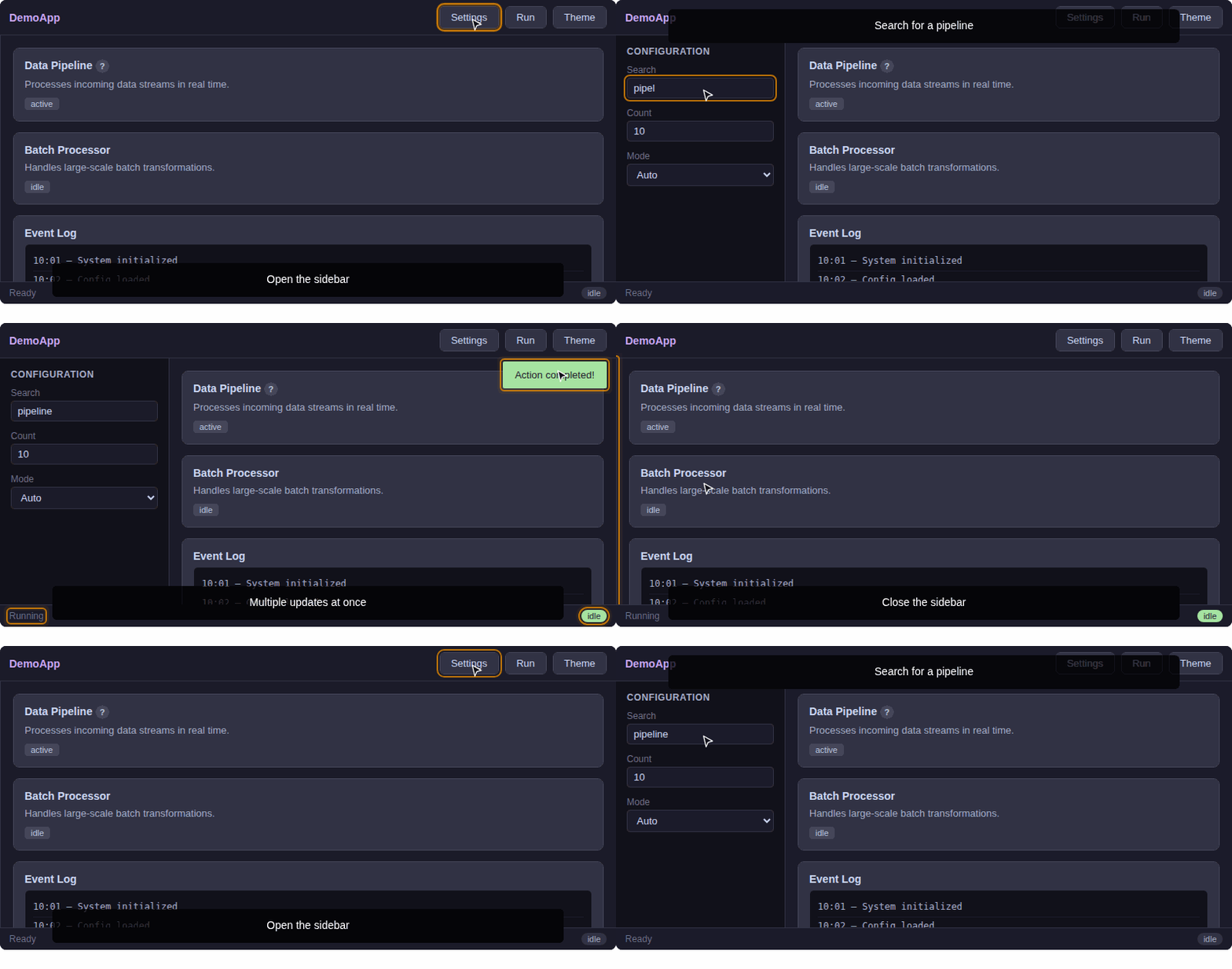
For example, the “kitchen-sink-short” demo GIF hosted on GitHub Pages:
Troubleshooting#
- GIF does not appear in Confluence
Verify the GitHub Pages URL loads the GIF correctly in a new browser tab. Check that GitHub Pages is enabled in the repo settings and that the
pages.ymlworkflow has completed successfully.- iFrame shows a blank page
Confirm that the Bobswift macro is installed and that the GitHub Pages URL is publicly accessible. The demo page requires JavaScript — check the browser console for errors if the demo loads but does not play.